Shops and mini-markets
Barcode scanner, scales, wholesale prices, low-stock alerts.
 Savdo Pos
Sales, inventory, customer debts and reports in one app. On your phone, tablet and computer.
Not opening? Tap ⋮ in the top-right corner → “Open in browser”, then tap the button again.
On iPhone and iPad, Savdo Pos runs as a web app — no App Store needed:
🎁 15 days free after sign-up — with every feature.
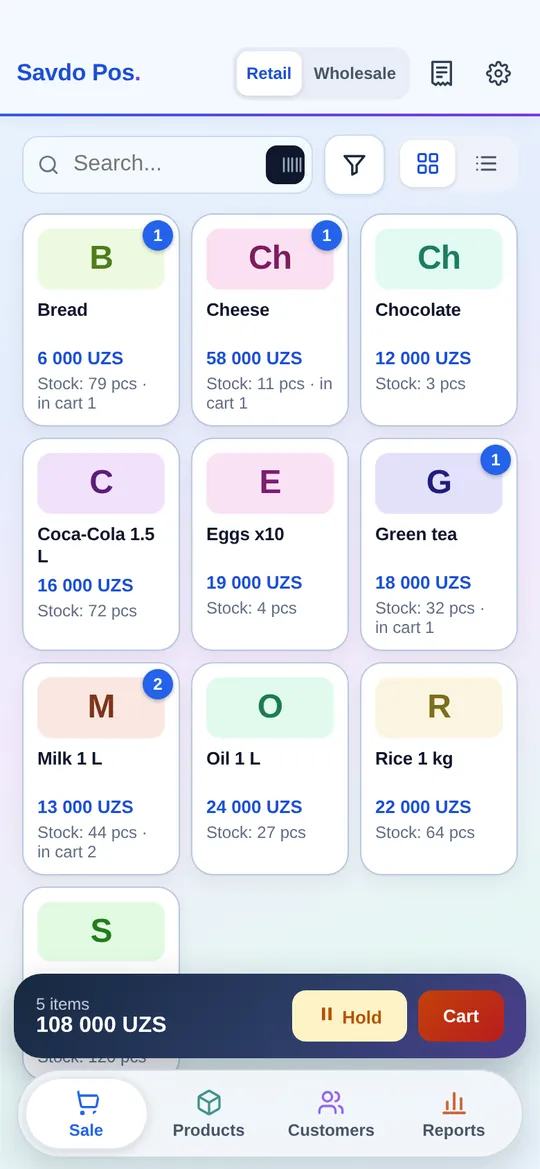
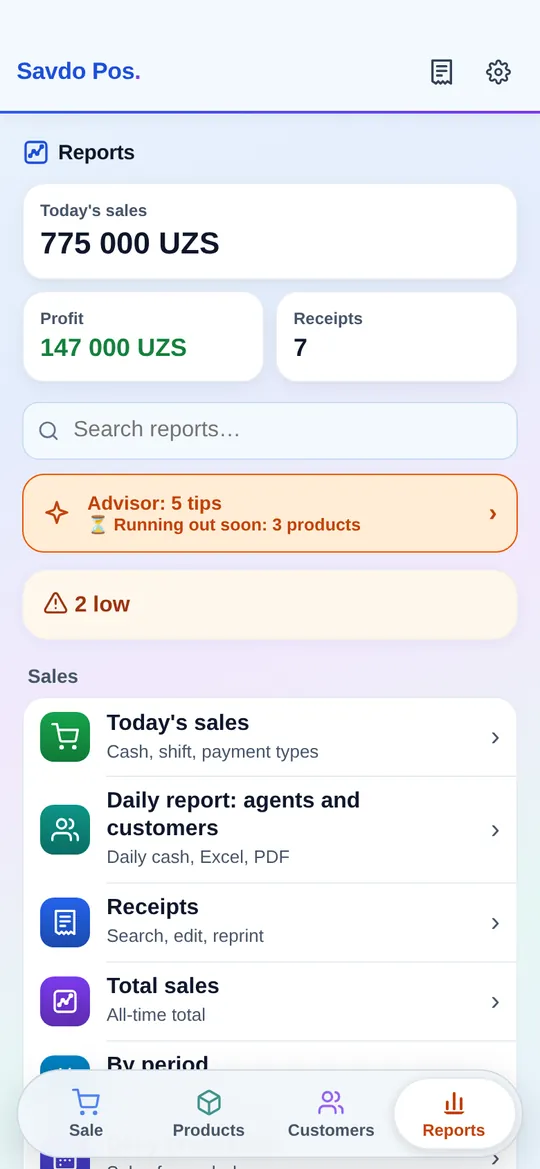
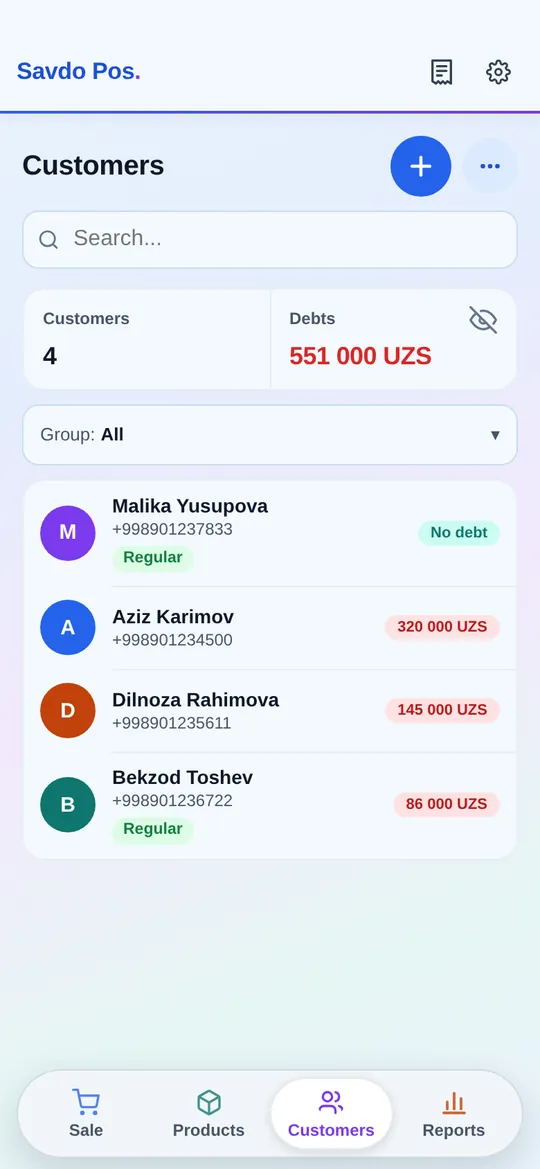
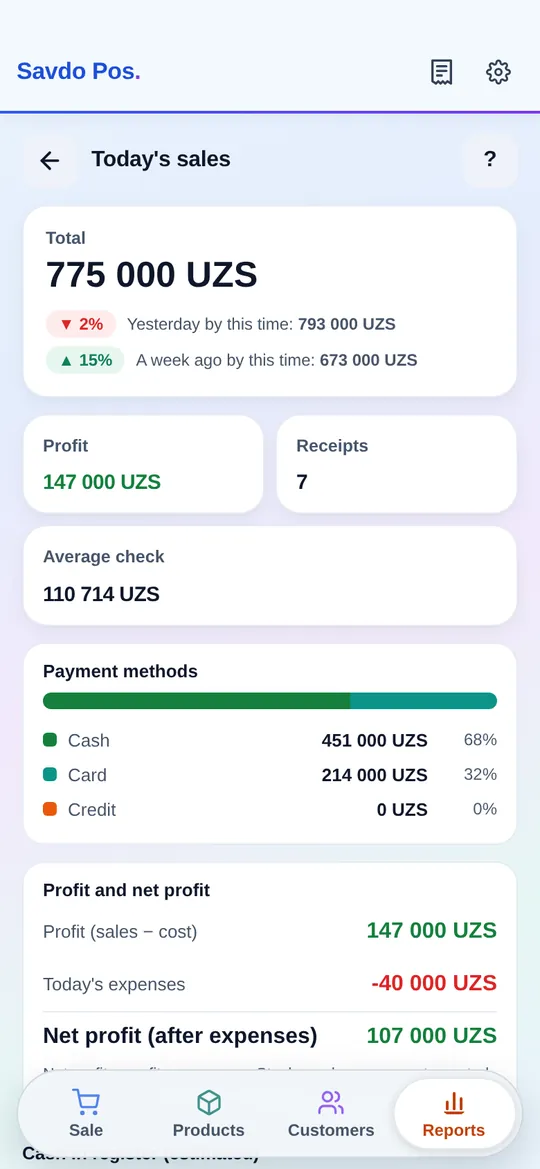
Barcode scanner, scales, wholesale prices, low-stock alerts.
Tables, kitchen screen and printer, table QR menu.
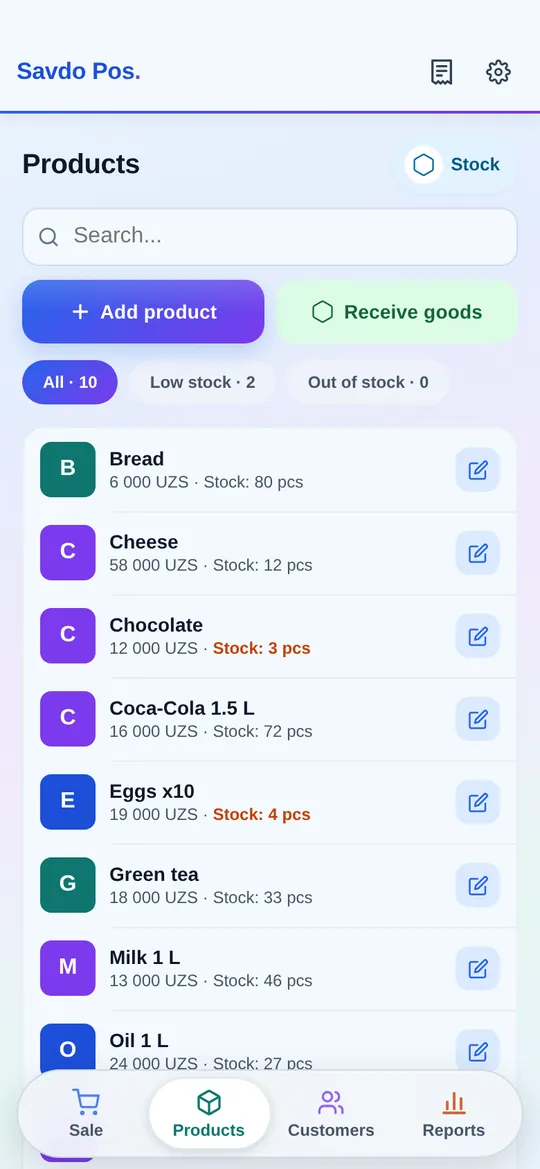
Fast search, stock and receiving control, catalog via Excel.
Rooms and bookings, service appointments, staff schedule.
Every feature is free for 15 days after sign-up. After that you extend your subscription through the Telegram bot or Google Play.
Android phones and tablets (via Google Play), and iPhone, iPad and computers as a web app in the browser. One account works on all your devices.
Yes. If the connection drops you keep selling: data is saved on the phone and sent automatically once the internet is back.
Barcode scanners (handheld or the phone camera), Bluetooth receipt printers and scale barcodes.
Supported. Branches and staff are managed in one account, and each employee gets their own permissions.
Data is stored in the Google cloud. Only you and the staff you give access to can see it.
Sign up and try every feature.
Download ↑